Take a seat
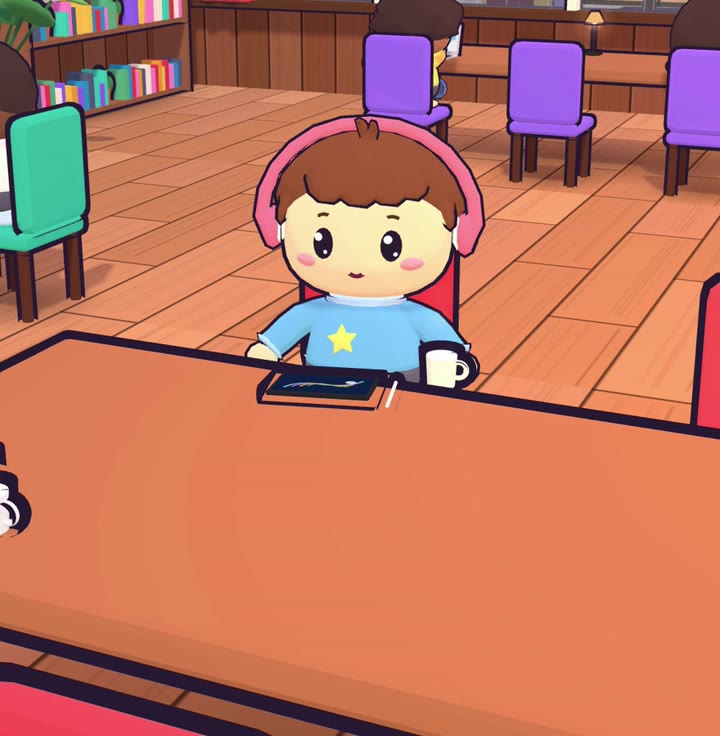
- Tap any free chair and you sit down.
- Make your look: skin, hair, top, glasses, headphones, cap or hijab.
- Pick the café name other students see.
Lekhin Notes is an iPad notebook for Apple Pencil, with a small toy café where you and your friends study side by side.
Try the pensComing soon to the App Store, for iPad with Apple Pencil.
Your notebook has a back door. It opens into a café.
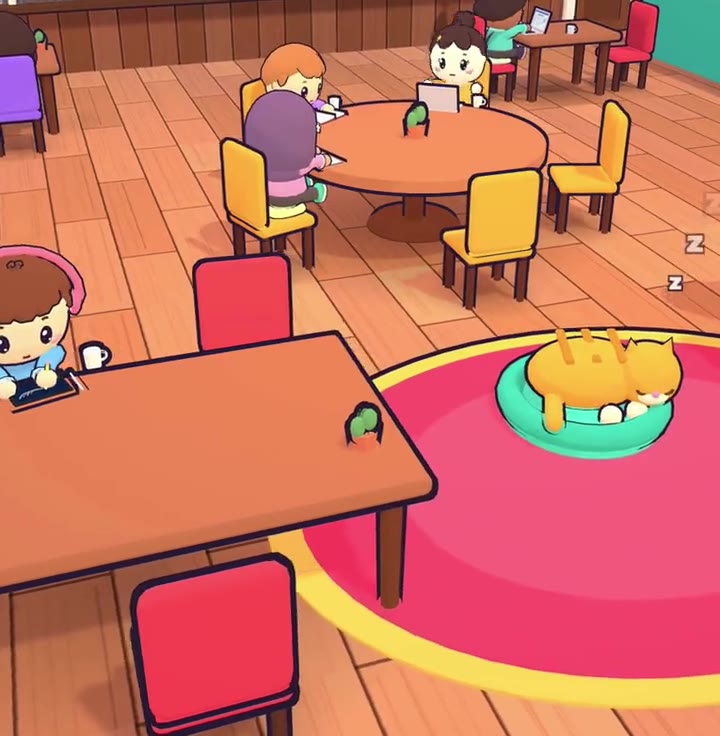
Twelve seconds of a café evening: one friend writes, one passes a note, and the cat does nothing at all. Go on, tap the cat.
A small toy café inside the app, where friends sit at the next table and the only noise is pens.
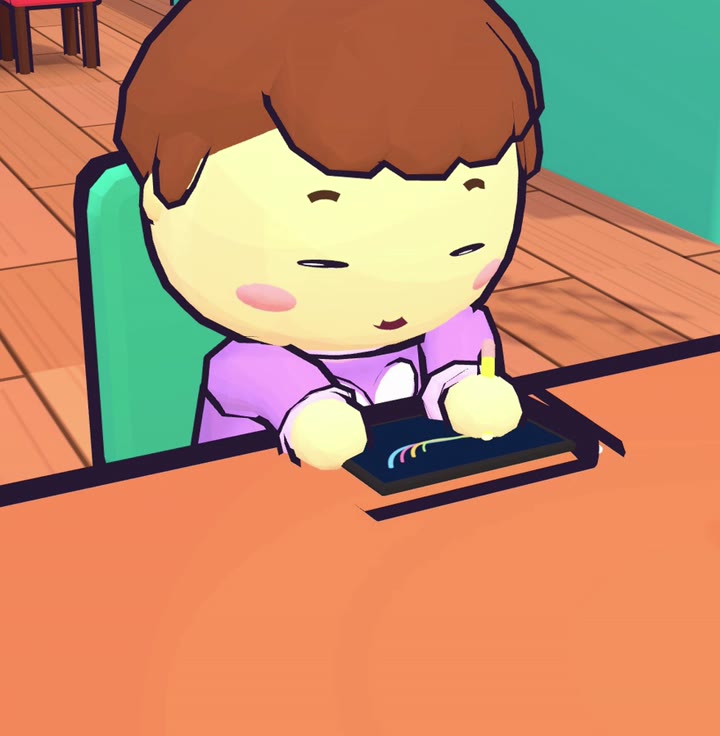
Pick the rainy glasshouse or the deck by the river, take a seat and start a focus timer. This is an example: the students are pretend, and nothing leaves this page.
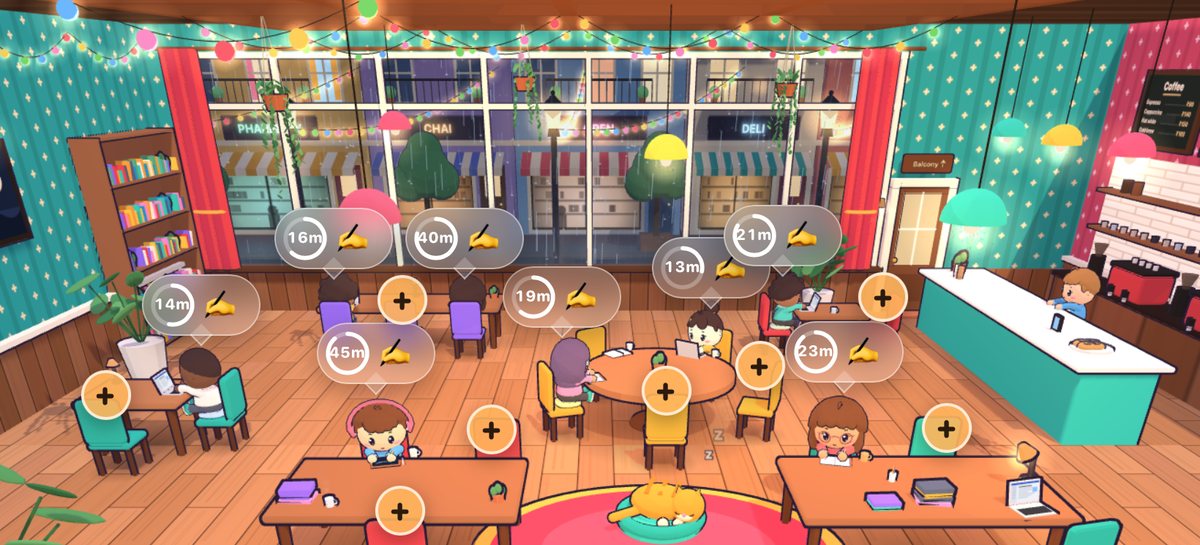
A rainy night in a glass-roofed café, with bookshelves, fairy lights and a balcony over the city.

A wooden deck by a river under snowy mountains.
Inside, open Friends (or Private) and go into Night owls, code OWL42K, to chat with friends and join voice. Each café has a button over to the other. Cards and notes are shared only in the app.
A day at Pine & Page, the café on the river deck. Straight from the café, no edits.
Pine & Page has its own lo-fi radio, made live on your iPad: no audio files and no internet needed. Tune it from your seat by the river.
Tick off a to-do and Chai, the café cat, is proud of you.
Notebooks, cards, one big canvas and PDFs, with the same pens on all of them. Apple Pencil writes; your finger scrolls.
Go on, scribble on the page. Nothing you write leaves it.
A flower's job is to make seeds. Each part does one piece of that job.
| Petals | Bright colours bring insects in |
| Stamen | Makes the pollen |
| Pistil | Takes in pollen and grows the seeds |
| Sepals | Protect the bud |
Light from an object enters the eye through the clear cornea, which bends it the most. The lens then fine-tunes the bend so the light lands sharply on the retina at the back.
Small muscles make the lens fatter for near objects and thinner for far ones. The retina turns light into signals, and the optic nerve carries them to the brain.
Lined, dotted, squared, Cornell and six more, in white, yellow or black. Change any page's paper later.
Dark cards for late nights, notes beside the card, search that reads your handwriting, and friends who can watch you work.
Turn a card dark when the room is. On a card, tap the button (More), then Card colours, and pick Match iPad, Light or Dark.
Open a card on one side and your notebook on the other. Or drag My notes onto any spot, and that spot gets a notebook of its own.
Search reads your handwriting on the iPad itself, with no internet, along with typed text and the text of your PDFs.
In a private café, talk with your voice and share the page you are writing on. Friends see each stroke the moment your pen lifts.
In testing now. Hold a card's title with one finger and circle any part with another. The box snaps to the lines, tables and pictures inside your circle. Copy it, or keep it in Clips and put it on any page later.
An acid gives hydrogen ions in water. A base takes them up.
The pH scale runs from 0 to 14. Below 7 is acidic, 7 is neutral and above 7 is basic.
| Lemon juice | pH 2 |
| Pure water | pH 7 |
| Soap | pH 10 |
An acid and a base cancel out in neutralisation, making a salt and water.
Tap Place on page under a clip.
On a computer: click the title, then draw a circle with your mouse. On a phone or iPad: tap the title, then circle with your finger.
A card is a study page saved as one HTML file (a web page file whose name ends in .html). Lekhin opens it, and you write on it with Apple Pencil. You don't write any code: an AI chat makes the file for you.
Only code on the screen? Ask: “Give me this as a file I can download.” On a computer you can also paste the code into Notepad and save it as “card.html”, with the quote marks. On an iPad, ask again or use a computer.
Want changes? Ask in the same chat, for example “Make the tables bigger”, then download the new file. It comes in as a new card, and your writing stays on the old one, so get the card right before you write on it.
Turn this lecture into one study card, as a single HTML file I can download. Put everything inside that one file, pictures too: no links to other files, and no fonts or pictures from the web. Use a clear title, short sections with headings, short points, tables and simple diagrams, and put the key facts in bold. Leave some space to write by hand, and make it easy to read on an iPad.
On your iPad. In Lekhin, open the Library or a folder. Tap + at the top right, then HTML card, and pick your file (look in Recents or Downloads). It is copied into that folder and opens. One file at a time, up to 25 MB.
Made it on a computer? Send the file to your iPad, for example with AirDrop, iCloud Drive or email, and save it to Files. Then add it as above.
From your computer. Drop the file into Card Sync. Your iPad picks it up the next time you open Lekhin, or when you pull down on the Library. How Card Sync connects
Write over the card with Apple Pencil. Tap the book button at the top right (My notes) for a notebook that belongs to this card.
To take out a card you added, hold it in the Library or folder where you added it, then tap Remove card. It goes at once. Your file in Files stays.
Card Sync is a small window on your computer. Drop cards into it, and your iPad picks them up over your own Wi-Fi. No cable, no account, no cloud.
One window on your PC. Keep it open while you sync; close it and sync stops.
The Windows download opens when Lekhin Notes launches on the App Store.
Still in testing. Pick a folder once, then drop .html files into it or onto the window.
The Mac download opens when Lekhin Notes launches on the App Store.
The steps and pictures show Card Sync for Windows.
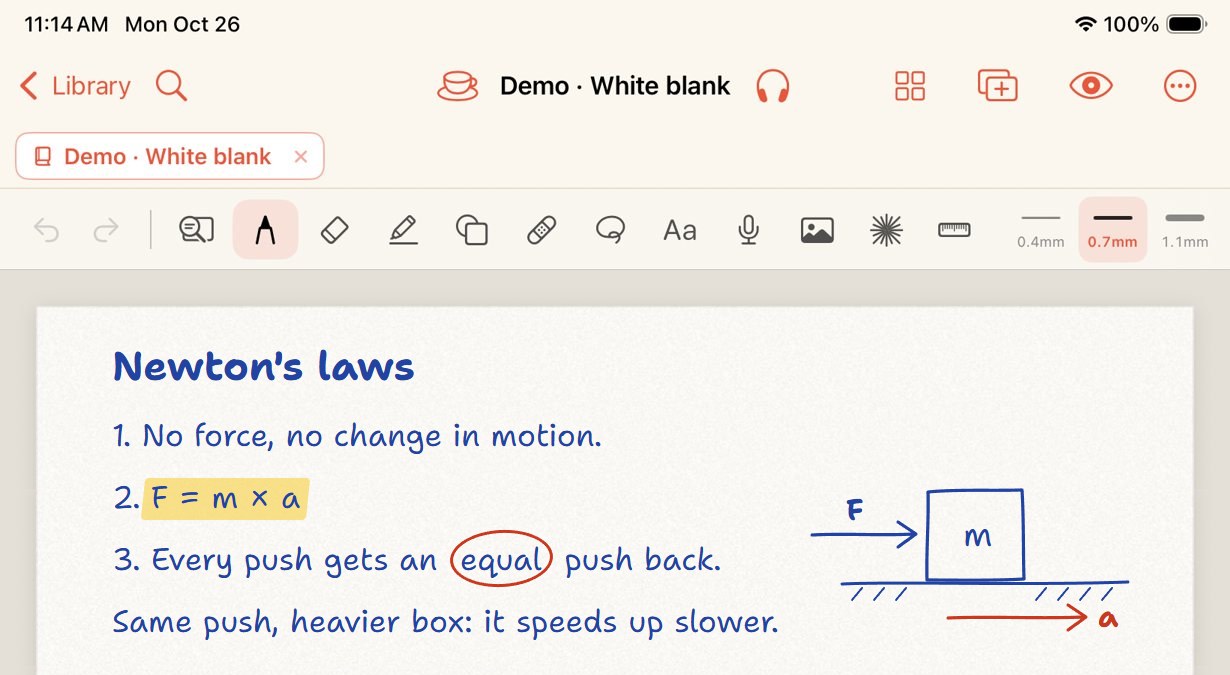
Everything sits on one bar. Hold a tool to rearrange it.
Pin your own voice to a card or page. Explain the hard part out loud; play it back before the exam.
Drop a screenshot, a photo, a camera shot or a scanned page onto a page and write around it.
Drag text or a picture from Safari or another app straight onto a notebook page.
Hide an answer under a strip of tape. Tap the tape to peek, like on the card above.
Draw a line, a box or a circle and hold the pen still. It snaps into a clean shape. Save your own shapes as stamps.
Circle some writing to move it, copy it or change its colour.
Five sounds made inside the app, no audio files. Mix them; they play on over your notes and wait while you record.
Answered before you could ask.
Lekhin Notes is made for iPad only. It runs on any iPad with iPadOS 16 or later, and Apple Pencil is the best way to write. On iPads whose Pencil can hover, the laser pointer follows the Pencil before it even touches the screen.
Not for your notes. The Study Café signs you in on its own without an email or password, so all you choose is a café name.
Yes. Notebooks, cards, the pens, PDFs and handwriting search all work offline. The café and its voice rooms need the internet.
Yes. Export your notebooks from the old app as PDFs, then use Import PDF in Lekhin and keep writing on them.
Lekhin Notes is coming soon to the App Store. The price and the download link will be on this page on launch day.
Lekhin Notes is coming soon to the App Store, for iPad.
